Deposit and withdraw
Put shielded ZEC in from any Zcash wallet and take it out again, with a leak meter that warns before a withdrawal can be matched to a payout.
Deposit
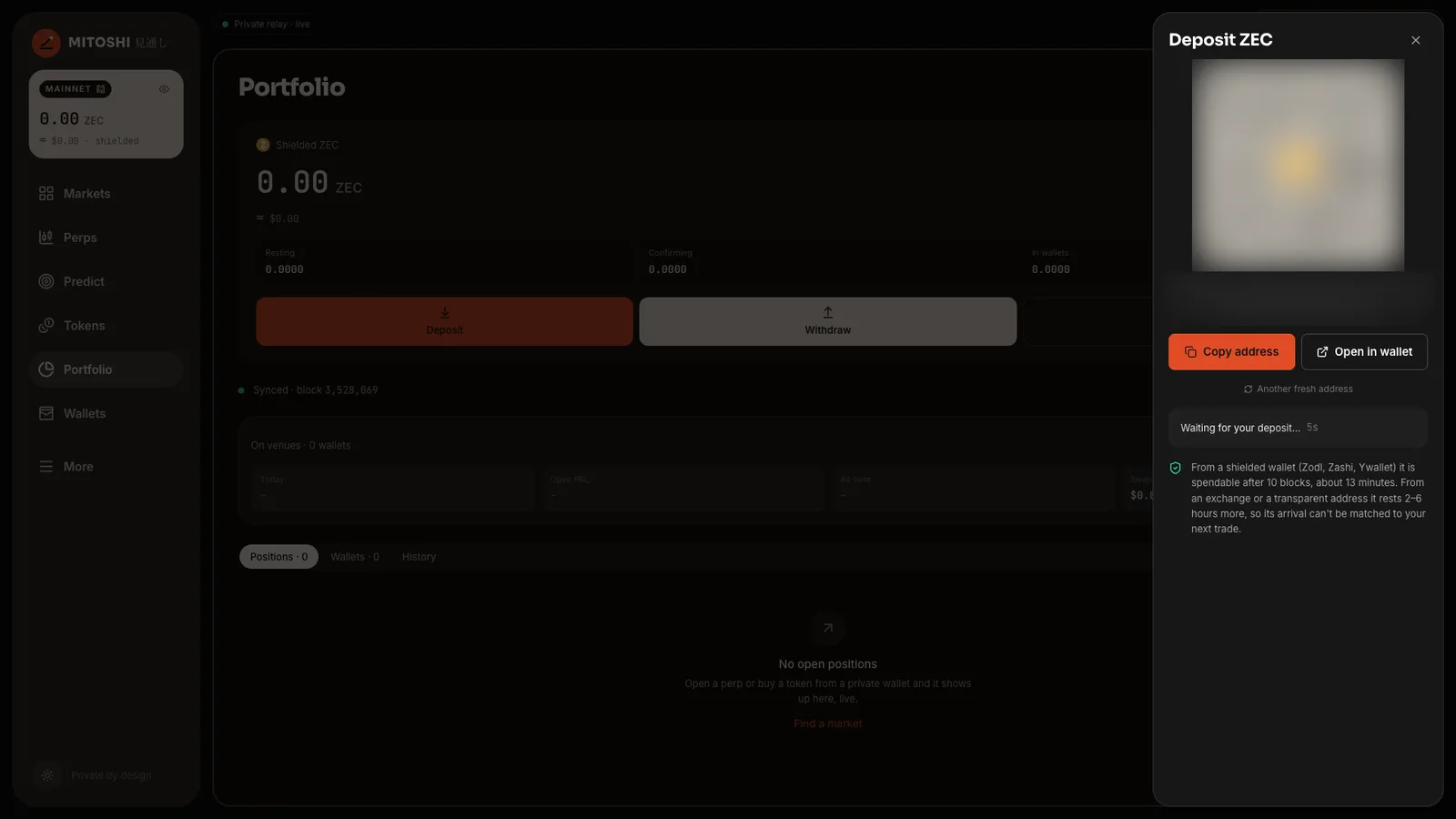
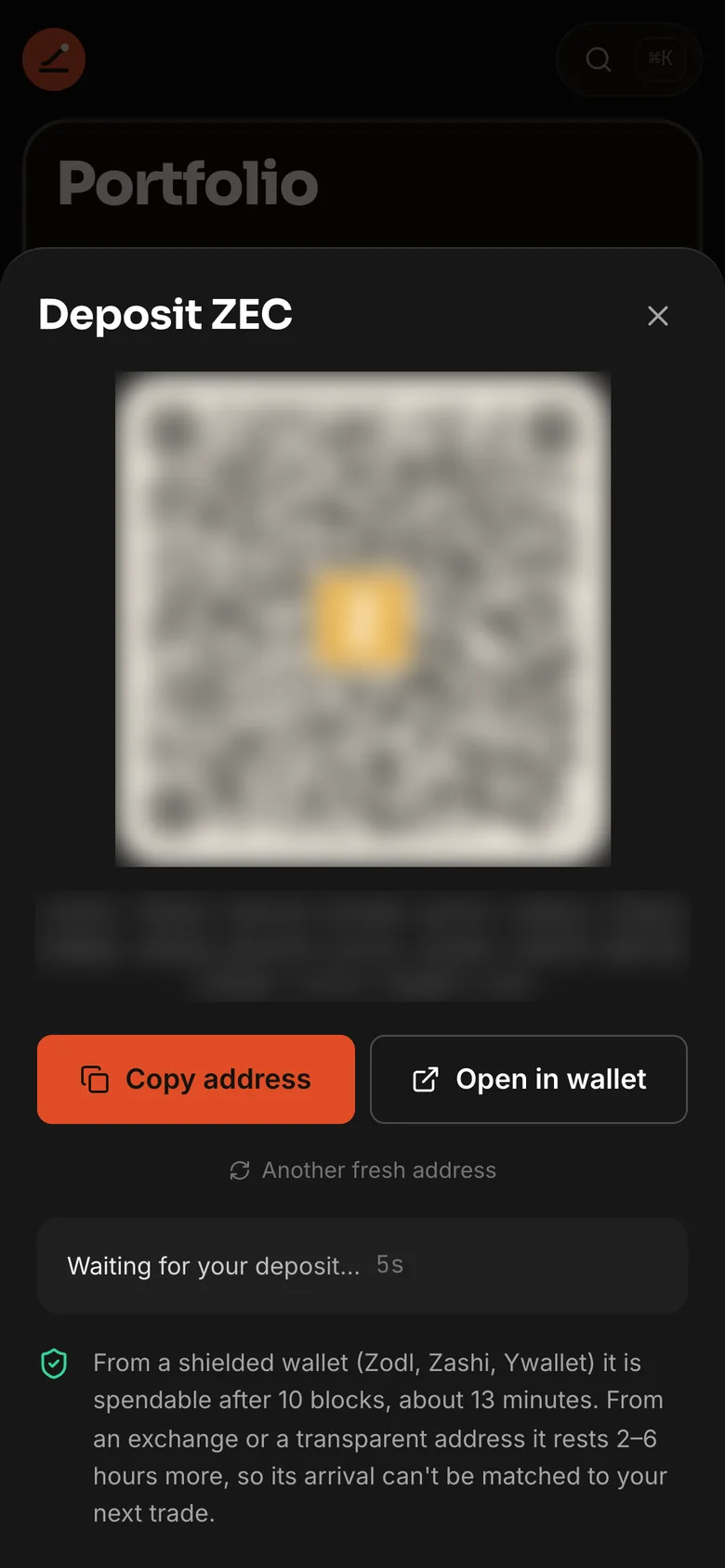
| Address | A fresh unified address with only an Orchard receiver; Another fresh address makes a new one |
| Buttons | Copy address, Open in wallet (a zcash: link) |
| Steps | Deposit seen → Confirming in a block → Confirmed |
| Then | Spendable after 10 confirmations; from a public address, it rests 2–6 h first ("From a public address: resting 2–6 h before it can fund a wallet") |
From a shielded wallet (Zodl, Zashi, Ywallet) a deposit can fund a wallet after 10 confirmations, about 12–13 minutes (Portfolio shows it under Confirming until then).
From an exchange
Exchanges send ZEC only to transparent addresses (t1…), so the shielded address above is refused there. Switch
Deposit to Exchange:
| Address | A fresh transparent address of your wallet; New address makes another. One deposit per address |
| On the exchange | Withdraw ZEC on the Zcash network to that address |
| Steps | Waiting for your exchange → Arrived → Moving into the shielded pool → Spendable, after a 2–6 h rest |
Mitoshi checks the address over Oblivious HTTP, one address per request, 45–120 s apart, and moves what lands into the shielded pool by itself at a random moment a few minutes later. The exchange knows that withdrawal was yours, so the ZEC then rests 2–6 hours before it can fund a wallet: that keeps the withdrawal from being matched to your next trade by time. For no rest at all, send from a shielded wallet instead.
Withdraw
| Step | What you see |
|---|---|
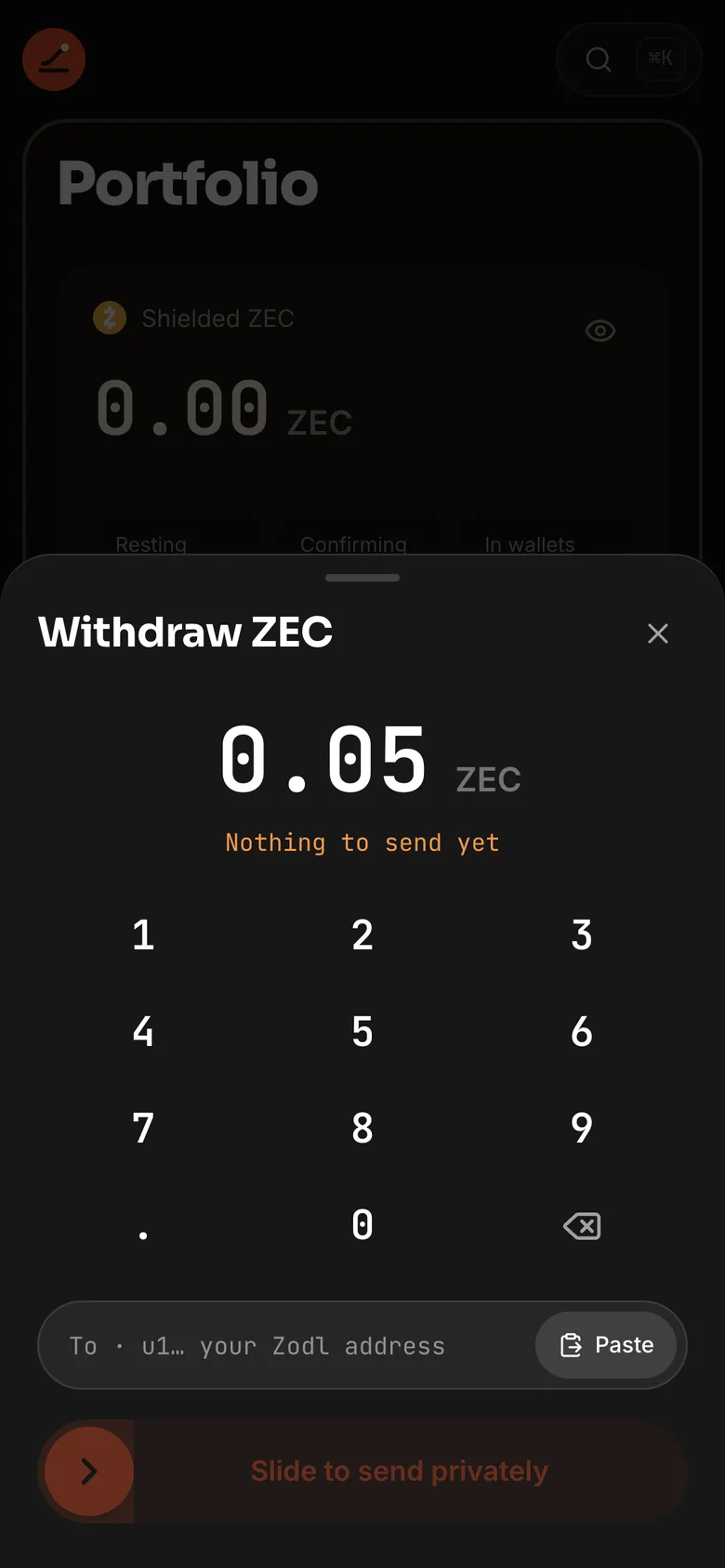
| Amount | In ZEC, with "0.05 ZEC ready · Max" (your own figure); resting ZEC is shown but can't be sent yet |
| To | A unified address (u1…) or a transparent one; Paste |
| Verdict | "Shielded address: the amount and both ends stay private" · "Transparent address: the amount and the recipient will be public" · "Sapling addresses are not supported; ask for a unified address (u1…)" |
| Cost | Fee and Arrives, with the ZIP 317 fee |
| Leak meter | Clear for a shielded address. For a public one: red if it exactly matches money that came home in the last 48 h; amber if within 2% of it, within 2 h of it, or not a standard size |
| Send | Slide to send privately, then "Proving in this browser…" → Sent privately → Confirmed |
If anything fails before it sends: "Nothing was sent. Your ZEC is where it was."
The withdrawal meter only warns. Sending to your own exchange is your choice, so red doesn't block it; on a funding, red does.